
Budgeting for variable costs on OnlyFans pages with a $0 subscription starts with one fact: removing the fixed fee replaces it with a stream of individually priced unlocks. The promise of this article is a workable framework for tracking and capping that spending. BestOnlyFans builds its ranking methodology around the same principle: numbers a buyer can see are numbers a buyer can manage. This guide covers measuring pay-per-view spending, limiting it, and comparing it against the paid alternative.
Most people who overspend on free pages do not lose control in one dramatic moment. They lose it across dozens of $3 to $12 decisions that never feel large enough to question. That is why a written framework matters more here than on a paid page, where the price is visible before you subscribe. BestOnlyFans refreshes its rankings every month.

The Illusion of Free Access
A free page frames every purchase as optional, and optional purchases do not trigger the same internal alarm as a recurring charge. When a locked message appears, the decision feels like a one-off choice about one piece of content rather than a budget decision about the month as a whole.
Two patterns show up again and again. The first is anchoring: because the subscription cost nothing, every unlock seems small by comparison. The second is momentum: after the first purchase on a page, the second one requires less deliberation. Together they produce monthly totals that surprise people who would never have approved that number in advance.

Urgency messaging compounds this. Limited-time offers and visible purchase activity from other users create a sense that waiting has a cost, even when it does not. The countermeasure is not willpower. It is a delay rule and a running total you check before, not after, the purchase.
| Psychological Trigger | How It Manifests | Countermeasure |
|---|---|---|
| Sunk cost fallacy | Continuing purchases to justify money already spent on a page | Strict monthly reset with no carryover credit |
| Scarcity urgency | Limited-time PPV offers that pressure fast decisions | Mandatory cooling-off period before unlocking |
| Social proof messaging | Tip leaderboards and purchase notifications from other users | Disable visibility features where the interface allows it |
| Personalization effect | Custom messages addressed directly to you | Delayed response protocols and scripted review |
| Zero-price anchoring | Undervaluing incremental purchases because entry was free | Per-item cost logging against a monthly cap |
Mapping PPV Cost Patterns
Creators build price ladders, and once you recognize the tiers you can predict what a message will cost before you open it.
Pay-per-view messages can unlock up to $50, and paid chat commonly runs $3 to $5 per message. Tips sit outside both categories and can reach $100, which is why they belong in the same tracking system as unlocks rather than in a separate mental bucket.
- Micro-content: $3-$5, the lowest-friction tier and the most frequent purchase type
- Standard unlocks: $6-$12, the middle of most pricing ladders
- Premium videos: $15-$25, usually longer or higher-production content
- Exclusive customs: $30-$50, made to order and priced accordingly
- Bundled collections: variable pricing, often where the per-item math gets hardest to verify

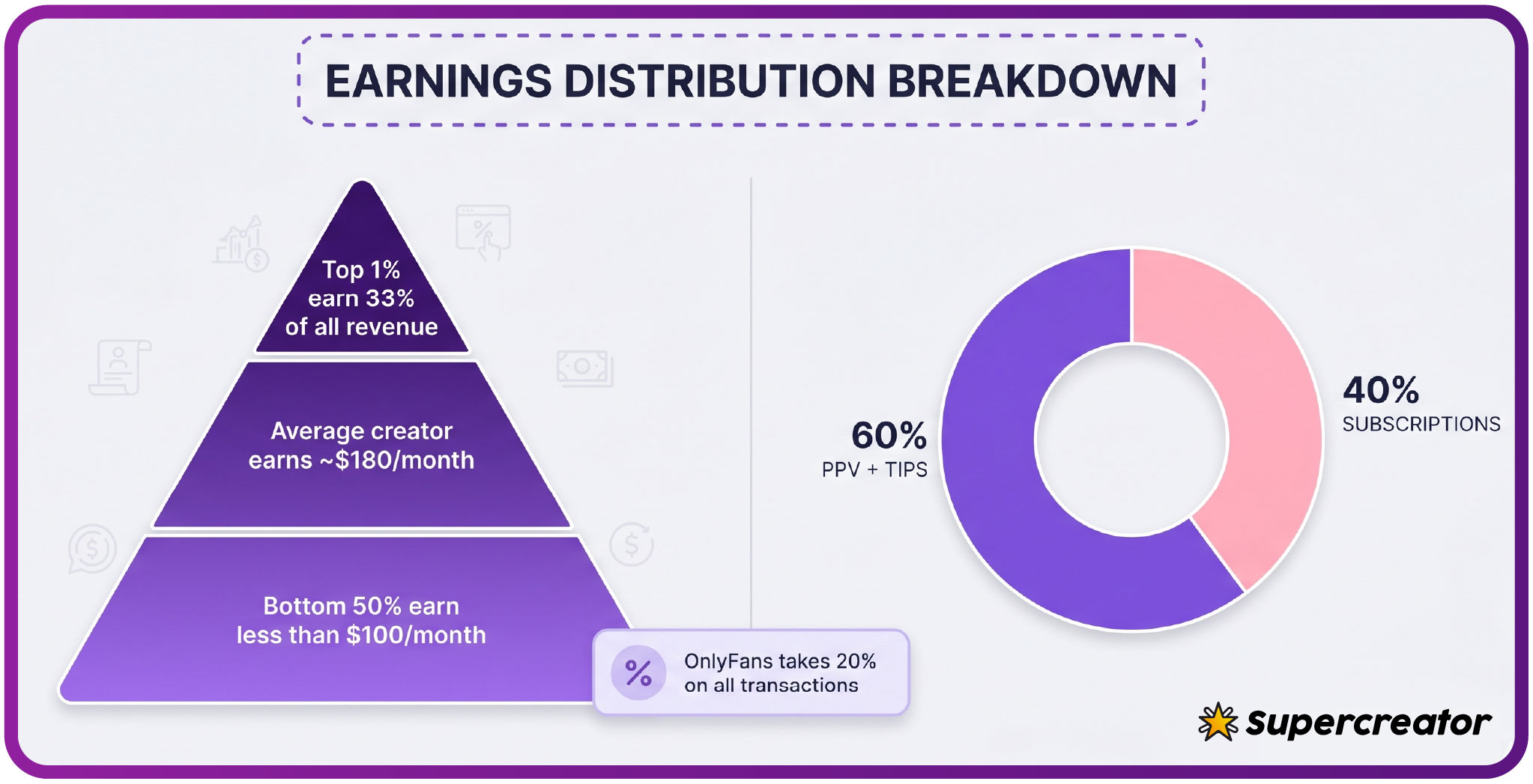
OnlyFans takes a 20% platform fee on everything, and the creator keeps 80%. That split does not change what you pay, but it explains why creators push higher tiers and bundles: the ladder is a business structure, not a personal request. Reading it as a structure makes it easier to buy at the tier you actually want instead of climbing by default.
Building a Flexible Monthly Framework
Variable spending needs a different tool: a cap, an allocation, and a review rhythm. The cap is the only hard number, and everything else is a method for staying under it without tracking every dollar in real time.
A cap chosen after browsing is a cap designed to accommodate whatever you already wanted. Set yours before you open any page, then divide it across the free pages you actually follow, with a small reserve for pages you have not discovered yet.
- Hard monthly spending cap, set before browsing and treated as final
- Per-page allocation limits so no single creator absorbs the whole budget
- A 24-hour purchase delay rule for anything above your micro-content threshold
- A weekly expense review that takes ten minutes and catches drift early
- An emergency stop trigger, such as two consecutive weeks at 80% of cap
- A comparison baseline against paid alternatives so the cap has context

Tip: write your monthly cap somewhere you cannot edit quickly. A number stored in a note you can revise in ten seconds is a suggestion, not a limit. The friction of a separate document is the point.
Tracking Tools for Unpredictable Expenses
OnlyFans provides no built-in spending analytics across pages, and there is no discovery feed to browse, which is precisely why ranking sites exist in the first place. Four methods cover almost every situation, and most people end up combining two of them.
The simplest is a manual log, but it fails when you skip a week, so pair it with something automatic. Banking category tagging catches totals even when you forget to log individual purchases, and a dedicated payment card with spending alerts gives you a running figure without opening a spreadsheet.
- Manual spreadsheet logging, one row per purchase with date, page, and amount
- Banking app category tagging so totals reconcile without manual entry
- A dedicated payment card with spending alerts at set thresholds
- Calendar-based purchase timestamp review to spot clustering patterns
A word on payment details: if you add a new card, expect a $0.10 verification hold that is refunded within days. Forgetting it while reconciling a budget is how a ten-cent line becomes a mystery charge you spend twenty minutes chasing.
When Free Pages Exceed Paid Subscription Costs
Paid subscriptions on the platform run from $4.99 at the minimum to $49.99 at the maximum, with most paid pages sitting between $4.99 and $15 and averages clustering around $5 to $10. Once your free-page PPV spending passes that band, you are paying subscription money without subscription predictability.
Promotional first months can sit below $4.99, such as a $3 first month, but base prices may not. Compare against the base price when you run this math, because the introductory offer is temporary and your PPV habit is not.
| Usage Level | Estimated Monthly PPV Spend | Paid Alternative |
|---|---|---|
| Light | $15-$25 across 3-5 unlocks | Single $4.99-$9.99 subscription |
| Moderate | $40-$70 across 8-12 unlocks | Two subscriptions or one $15 tier |
| Heavy | $75-$150+ across 15 or more unlocks | Premium subscription or several paid pages |
| Binge pattern | Unpredictable, exceeds $200 | Serious budget restructuring needed before subscribing |
The moderate row is where most people land after six months on free pages. Two targeted paid subscriptions at $4.99 to $9.99 each often deliver more predictable value than a dozen scattered unlocks. This comparison is the credibility test of the BestOnlyFans approach: the free tier only wins on cost when total unlocks stay low. If you want a starting point for comparing pages before committing budget, a directory such as free onlyfans today can help you see what a page actually offers before you spend anything on it.
Decision Protocols Before Each Purchase
The goal is to insert a predictable pause between wanting the content and paying for it, because the pause is where the budget holds or fails.
Run the same five questions every time, in the same order, regardless of price. Repetition is what makes the sequence fast enough to survive a two-second decision window.
- Is this creator already in my tracked spending for the month?
- When did I last purchase from this page?
- Does this content type match my documented preferences?
- Have I verified the price against previous purchases from this creator?
- Am I purchasing due to urgency, or genuine interest?
The last-purchase question reveals clustering: if you bought from the same page three days ago, that is a pattern worth naming. Limited-time offers almost always survive the 24-hour delay rule anyway, which tells you something about how urgent they really were.

Adjusting Budgets After Creator Price Changes
Free pages sometimes convert to paid, and the mechanics of that change matter for your plan. When a creator raises the price, auto-renew stops, and existing access lasts until the paid period ends. You are not charged again automatically at the new rate, which gives you a natural decision window.
Treat that window as a formal review rather than a countdown, and work through four steps in order before you decide anything.
- Calculate remaining access value under the old terms
- Evaluate the new subscription price against your historical PPV spending on that page
- Decide between manual renewal and letting access lapse
- Redistribute the budget allocation if you subscribe elsewhere instead
If you spent $45 on PPV from that page last month and the new base price is $9.99, the paid tier is cheaper and more predictable. If you spent $8, the subscription is a price increase disguised as an upgrade, and letting it lapse costs you almost nothing.

Keep the redistribution step explicit. Budget freed from one page should be reassigned somewhere or returned to savings, not left floating. Unassigned money in a variable-cost category gets spent by default, usually on the next page that sends a locked message.
FAQ
How do I set realistic spending limits when every PPV purchase seems small?
Set the monthly cap before you browse anything, then log each purchase against it. The per-item amount feels small because it is judged alone, while the cap forces you to judge the total instead. Start with a figure you can verify from last month’s statement and adjust downward by ten percent.
What should I do if my monthly free-page spending surprises me?
Reconstruct the month from your payment records rather than from memory, then sort purchases by page. Cap those pages first, keep the delay rule on anything above your micro-content threshold, and recheck after two weeks.
Can I predict which free pages will convert to paid subscriptions?
Plan around the mechanics instead: when a page converts and the price rises, auto-renew stops and existing access lasts until the paid period ends. That window is when you compare the new price against your actual spending history on that page.
How do platform fees affect my total spending on tips and PPV?
The 20% platform fee comes out of the creator’s side, so it does not add to what you pay. Tips can reach $100 and paid chat commonly runs $3 to $5 per message, so both belong in the same monthly total as PPV purchases.